Anyone exploring the website. You can browse most of the site freely — you only need an account to take part.
What a visitor can do
Browse competitionsView entries & galleriesSee announced winnersRead About & FAQSign up / log in
The home page
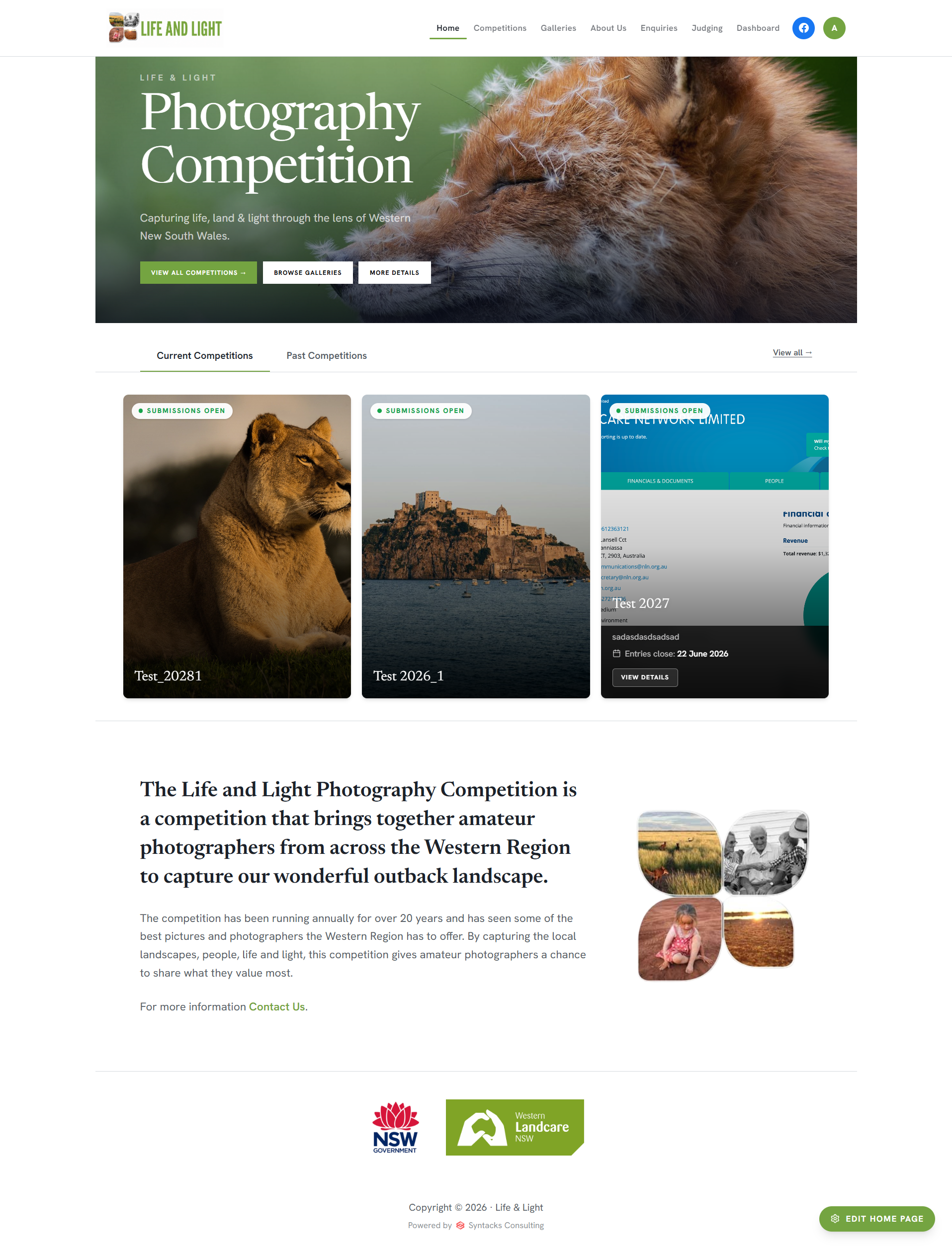
The home page — a welcome banner, the current competitions, and an introduction to Life & Light.
Start at the landing pageThe home page greets you with a featured banner and quick links to view all competitions, browse the galleries, or read more.
See the current competitionsOpen competitions are shown right on the home page so you can jump straight in, with a tab to look back at past ones.
Browsing competitions
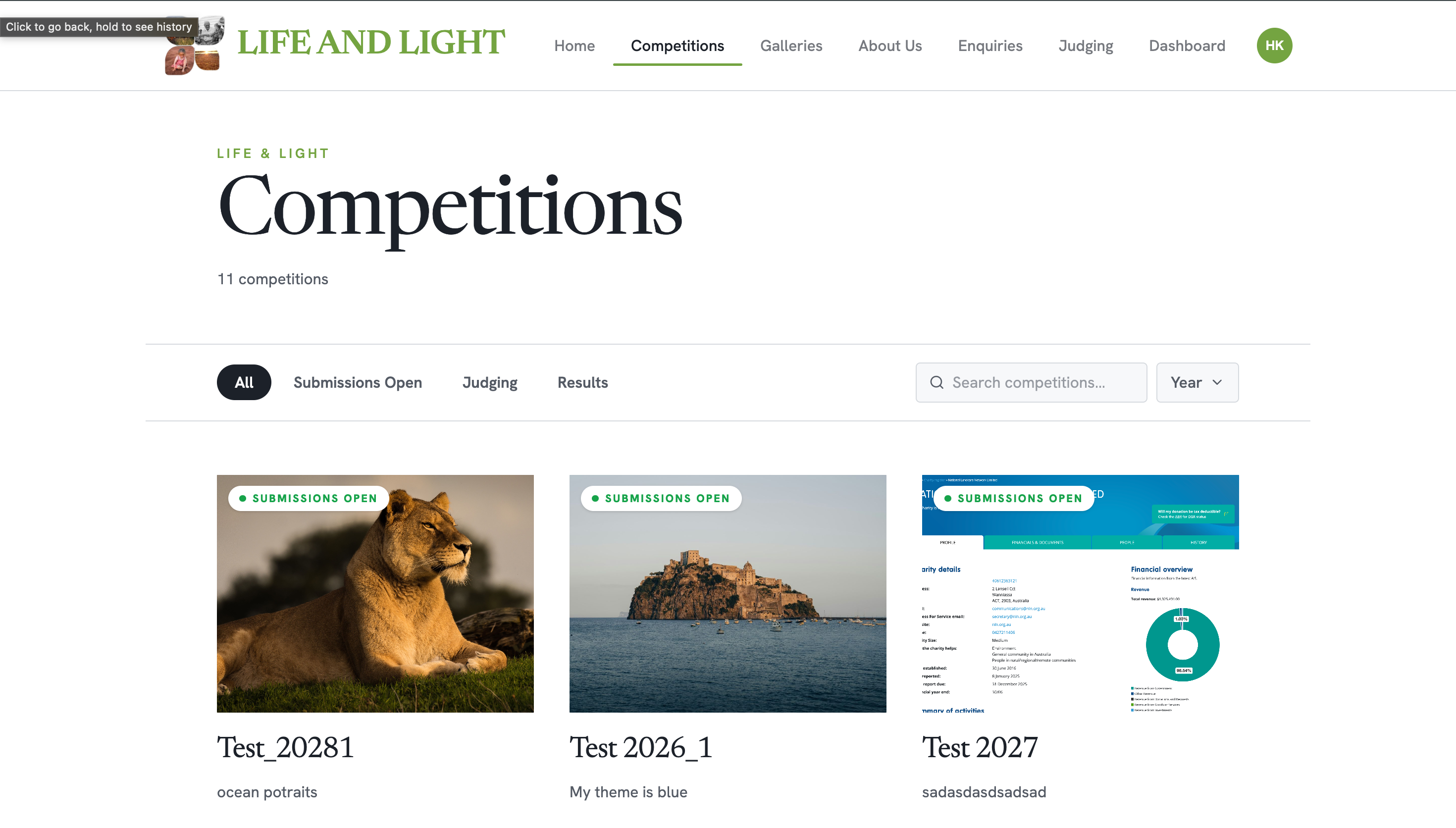
The Competitions page — browse everything that's open, being judged, or finished.
Open the Competitions pageSee what's currently open, being judged, or finished — all in one place.
Filter and searchNarrow the list by stage, or search by year to find a particular competition.
A competition's details
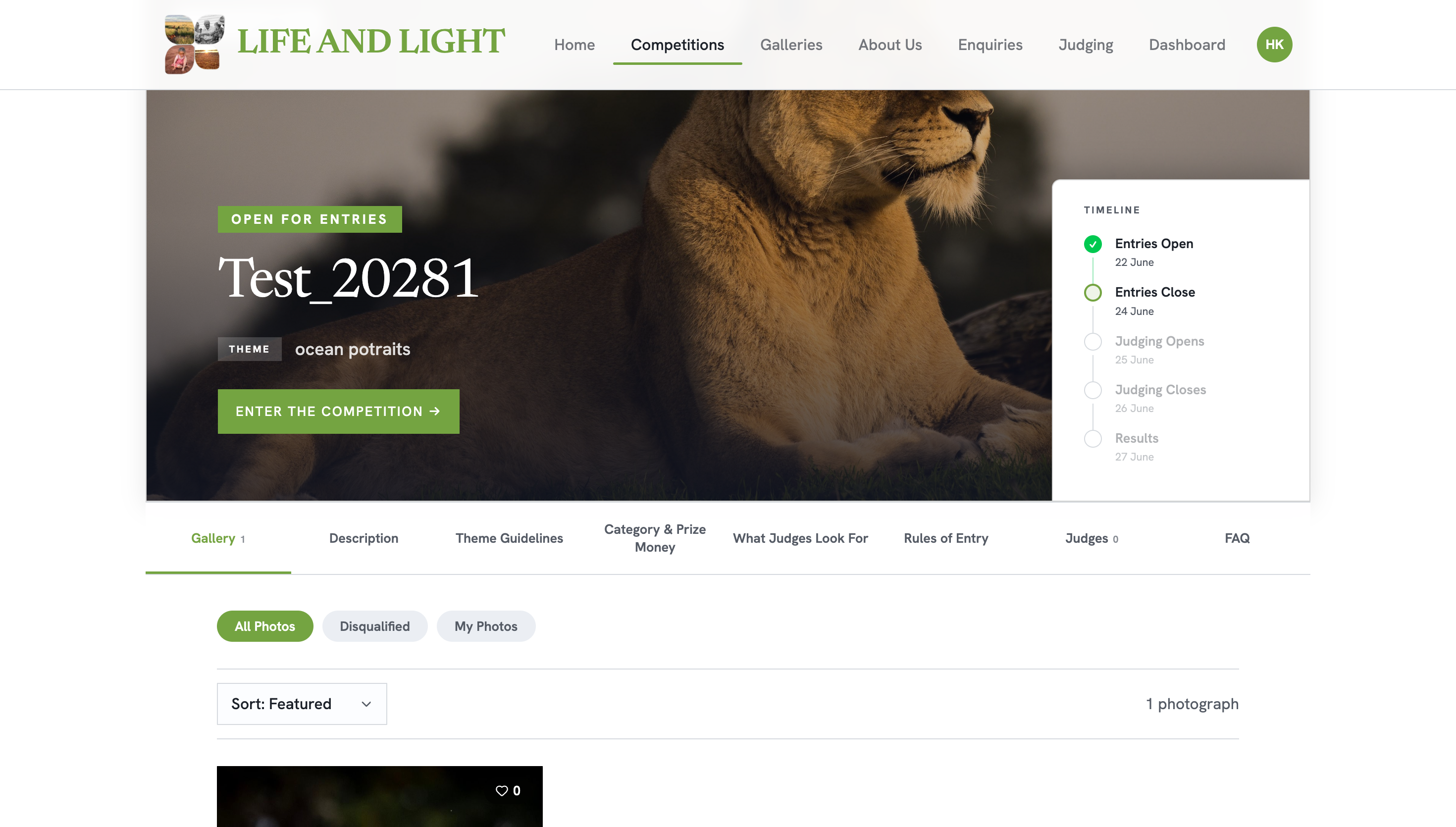
A competition page shows the theme, timeline, gallery, prizes, rules and FAQ.
Open a competitionRead its theme, description, prize money, rules, what judges look for, and browse the gallery of entries.
See the winnersOnce a competition reaches the results stage, the final scores and winning photos are shown to everyone.
The galleries & more
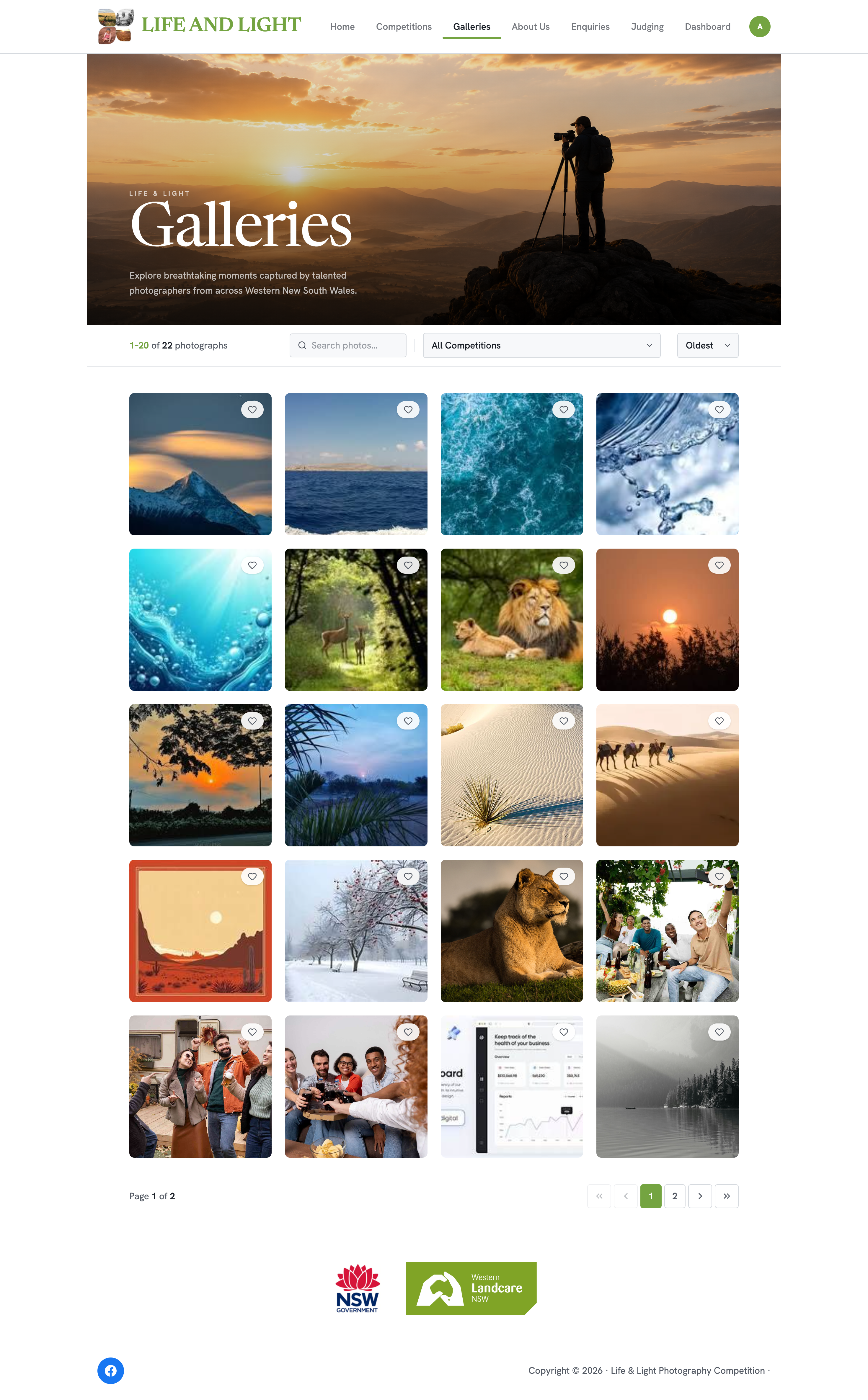
The Galleries page — a showcase of photos from across all competitions.
Explore the galleriesA showcase of standout photos collected from across all competitions.
Learn about the organisationThe About Us and FAQ pages explain who's behind it, and the Enquiries form lets you get in touch.
Sign up or log inReady to take part? Create an account to become a participant.
What you can't do yet: enter photos, vote, or see scores before the results stage. For that, you'll need an account.
What's new for visitors
New
Redesigned home page
A fresh landing page with a welcome banner and Current / Past competition tabs, so you can quickly see what's running now and look back at finished events.
New
Filter & sort galleries
On a competition's gallery you can filter photos by category and sort them — for example by most votes or most ratings — to find what you're looking for faster.